
No double booking
Every visit reserves its time in the same database transaction, so two people can never get the same slot.
Next.js 15 · MySQL · source code
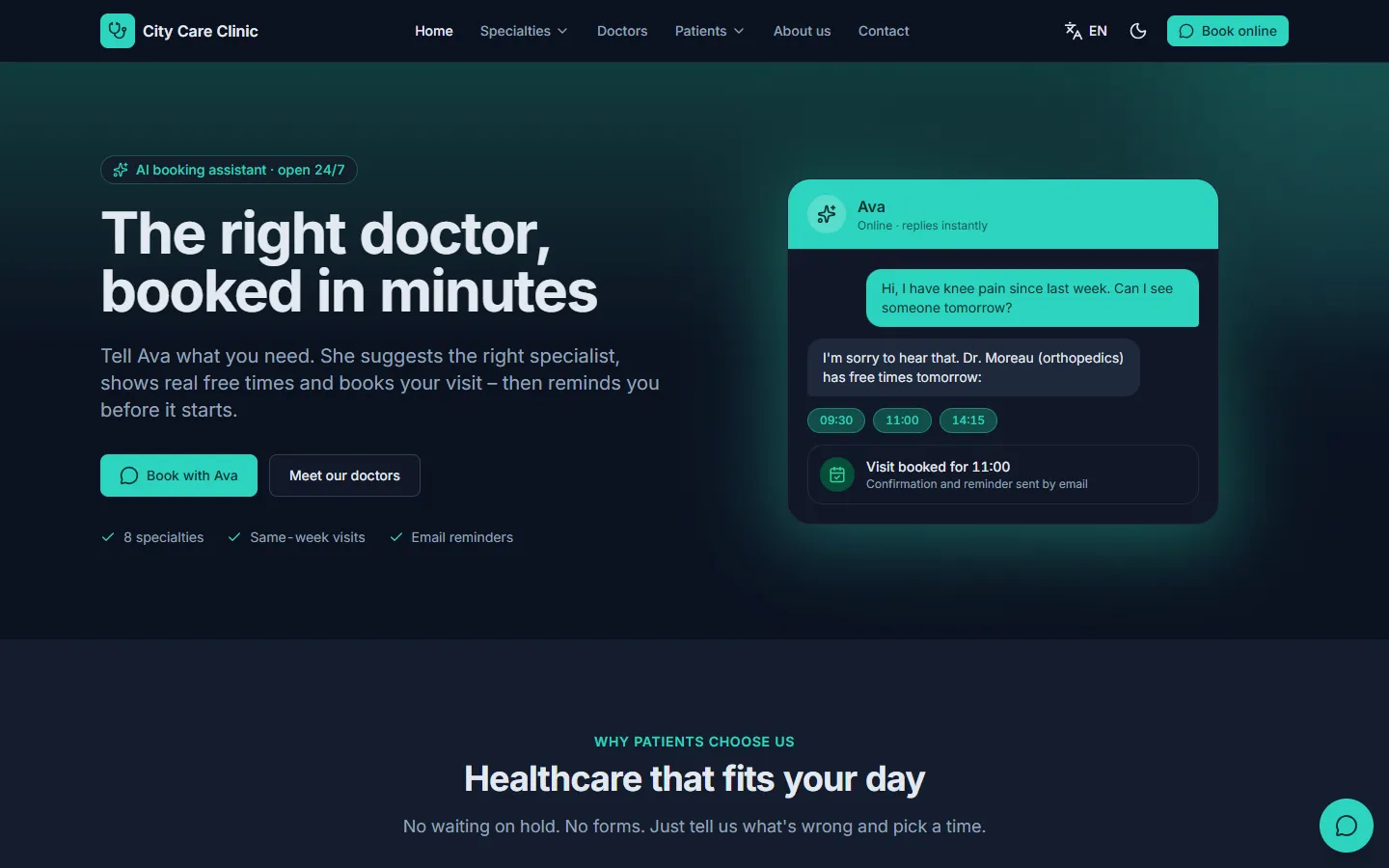
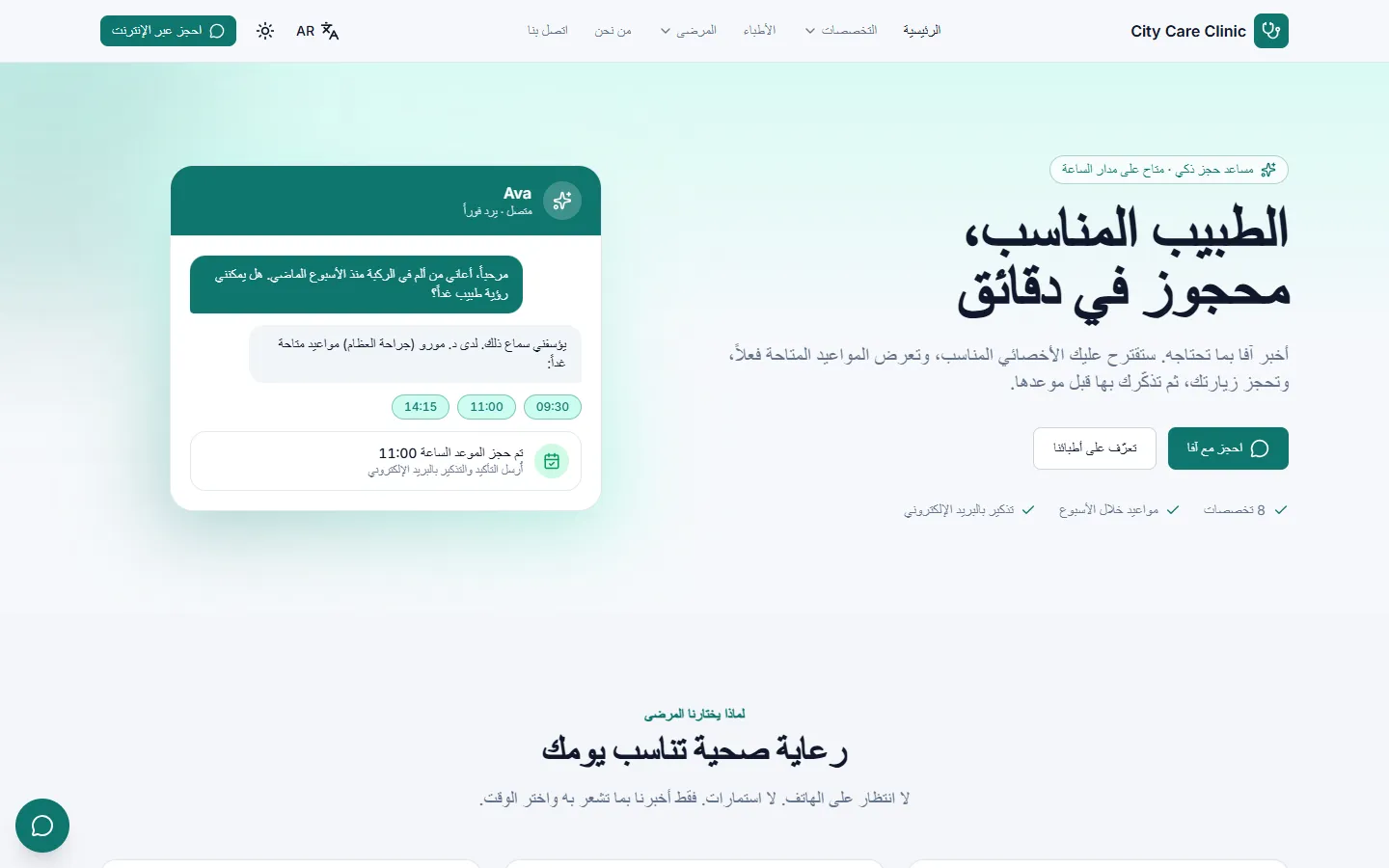
Patients describe what they need in a chat. The assistant suggests the right specialist, shows real free times and books the visit. Your staff run everything else from one admin panel.
Buy from
AI chat booking
The assistant uses your doctors, schedules and services. It books only times that are really free.
The chat asks who the visitor is first, so every message and booking is stored with that patient.
In their own words and language. The assistant answers questions from your pages and knowledge base.
It suggests a specialty and doctor, then offers real free times from the schedule.
The visit is saved, the patient gets an email with a private link to view, move or cancel, and a reminder later.
Features
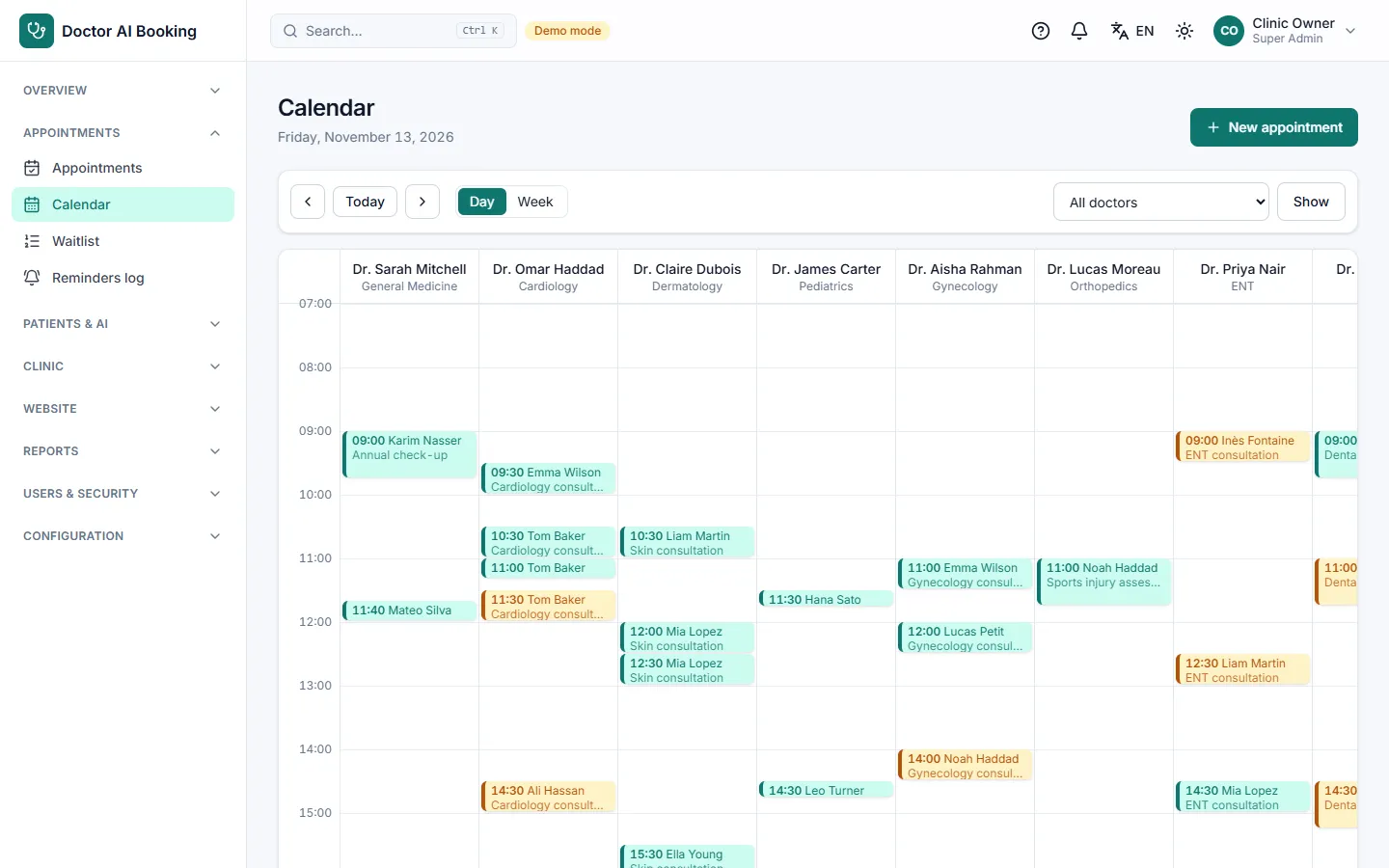
Every visit reserves its time in the same database transaction, so two people can never get the same slot.
Day view for all doctors, week view per doctor. Follow each visit from pending to checked in, completed or no-show.
Full day? Patients join the waitlist and your team books them when a time opens.
Automatic reminders and 9 email templates you edit in each language. Sent in the background, never slowing a page.
History, visits, chats and private notes in one record. Phone, birth date and notes are encrypted.
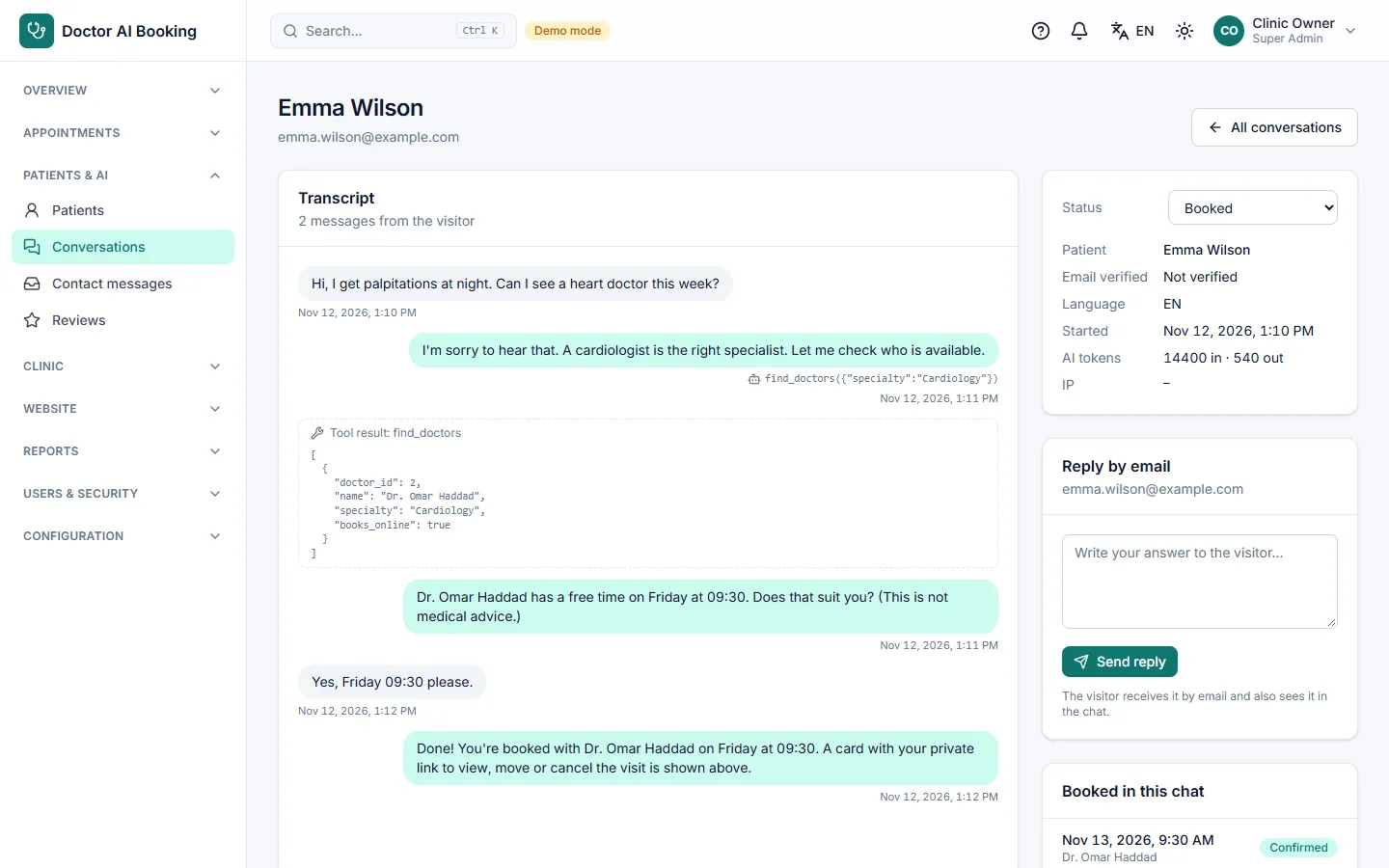
All AI chats with filters. Chats that need a human land in a queue; staff answer by email.
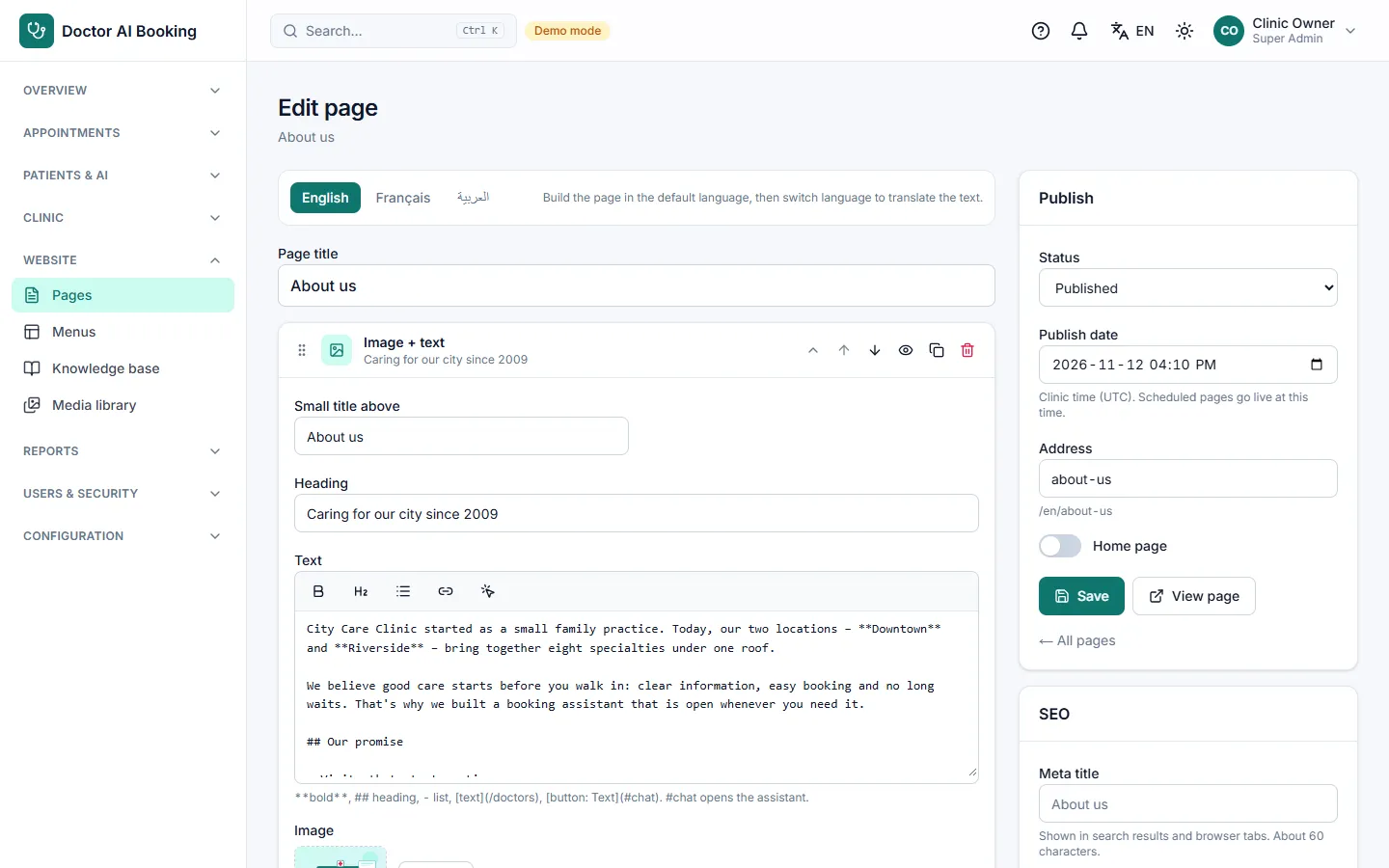
A ready clinic website. Build pages from 9 section types, edit the mega menu, translate every page.
The assistant answers from your pages and articles. Plain MySQL full-text: no vector database to host.
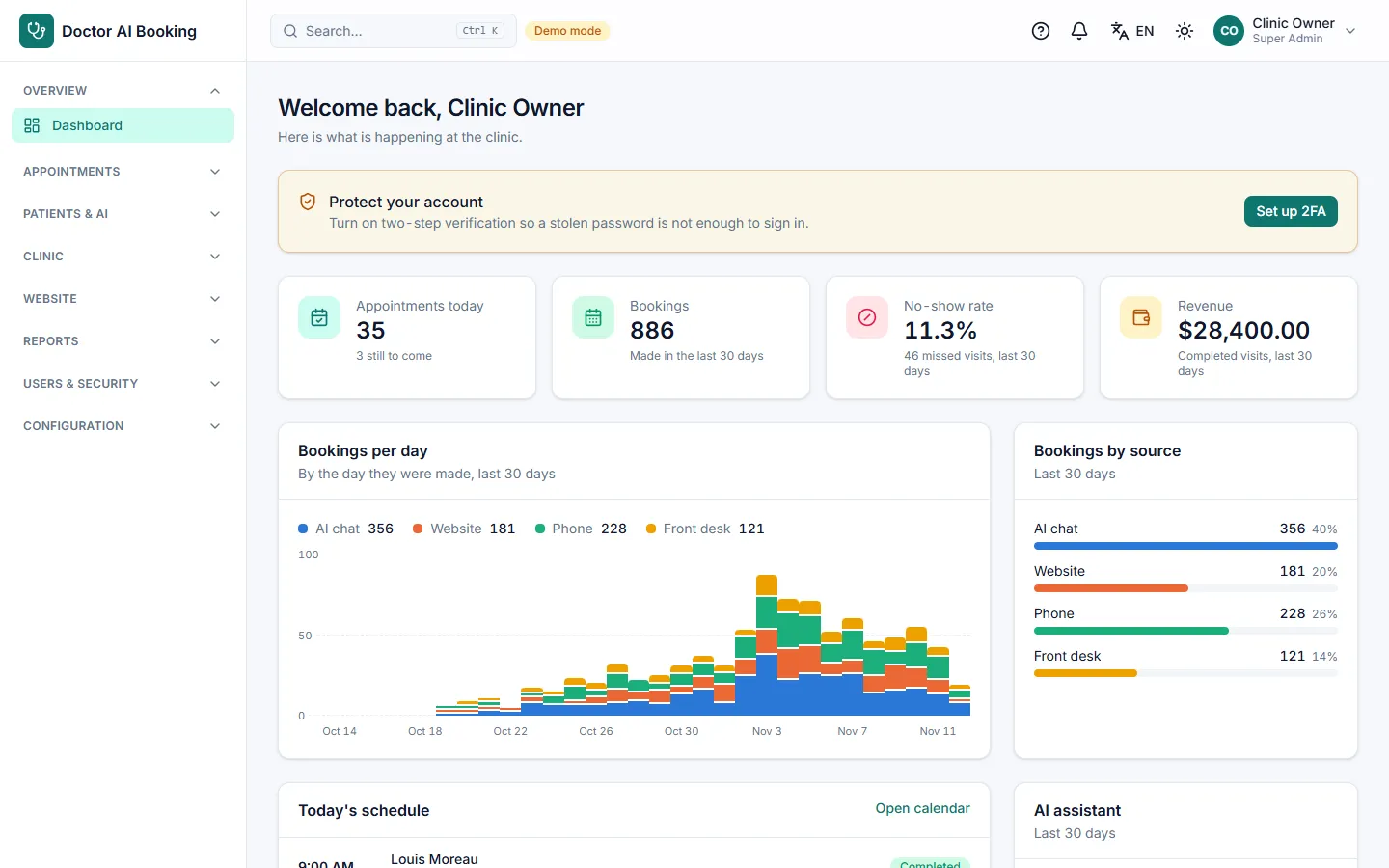
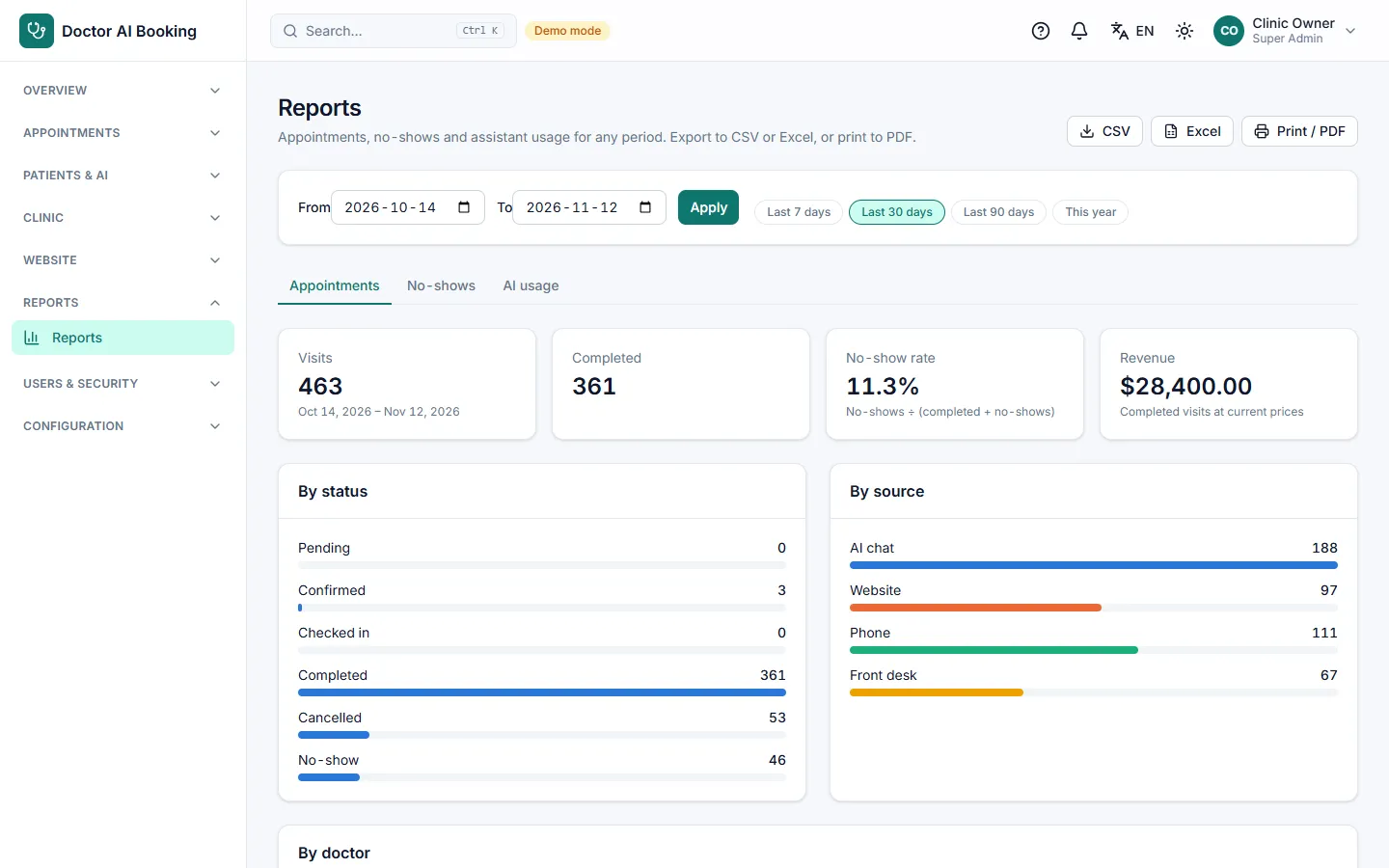
Bookings by source, no-shows, chat-to-booking conversion and more. Export to CSV or Excel.
Ctrl+K finds patients, appointments, doctors, chats and pages, only in the modules each user may see.
Scheduled backups, download and restore, plus data export and import.
The "?" button opens the user guide for the screen you are on. Install and setup guides included.
Roles
Four ready roles. Make your own by ticking permissions per module.
Everything, including roles, languages, system settings, full backups and restore.
Runs the clinic: appointments, doctors, website, reports and settings.
Their own appointments and calendar, the clinic lists and their patients.
Books and checks in visits, manages the waitlist, patients, chats and messages.
Security
Doctor AI Booking does not claim HIPAA or GDPR compliance on its own: that also depends on where and how you host it.
Languages and look
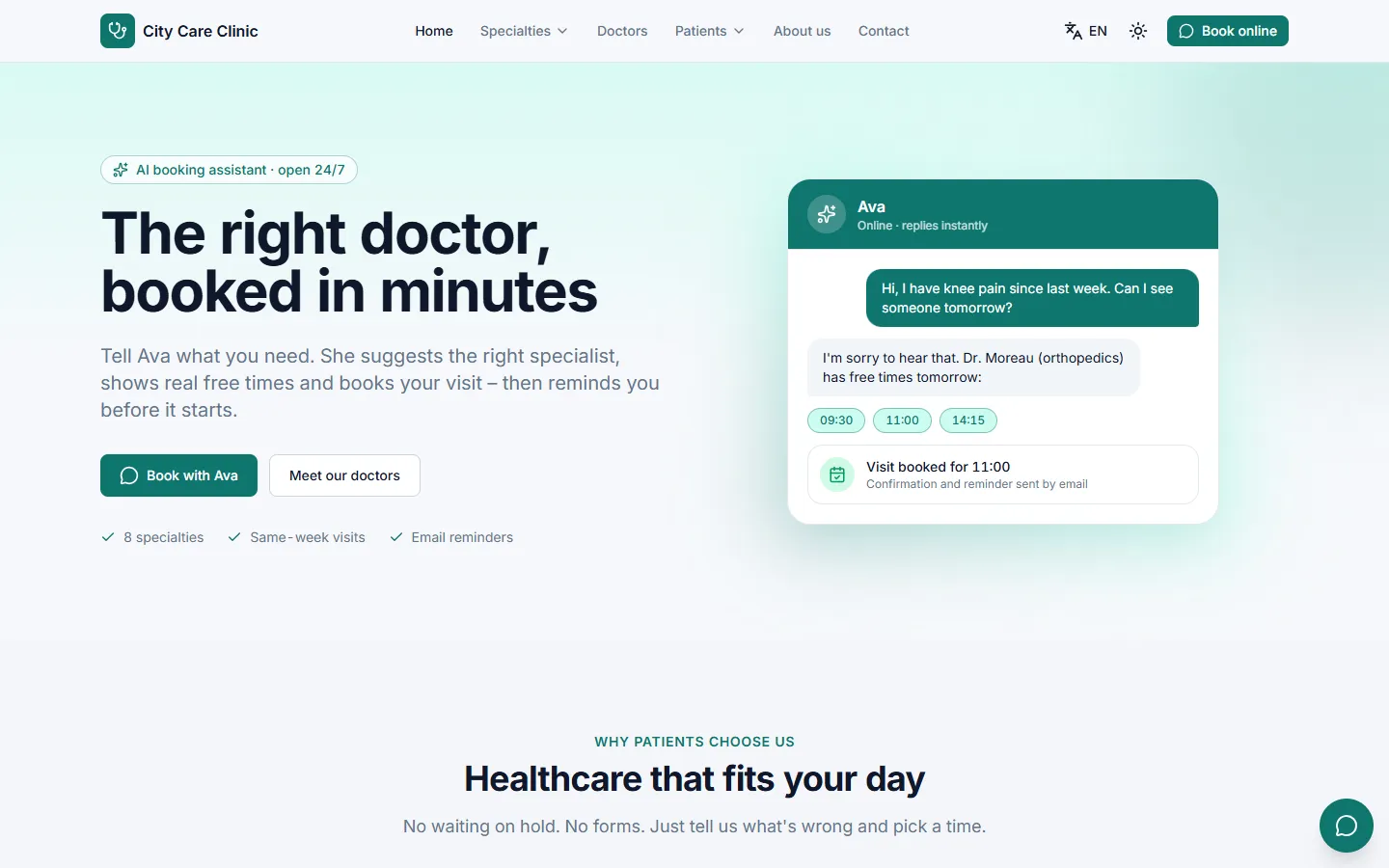
Arabic switches the whole site and panel to right-to-left. Upload more interface languages from the admin.
Screens
Tech and hosting
Clean, typed source code with unit, integration and browser tests. AI through Claude (Anthropic) or OpenAI.
Hosting that runs only PHP cannot run it: Node.js is required.
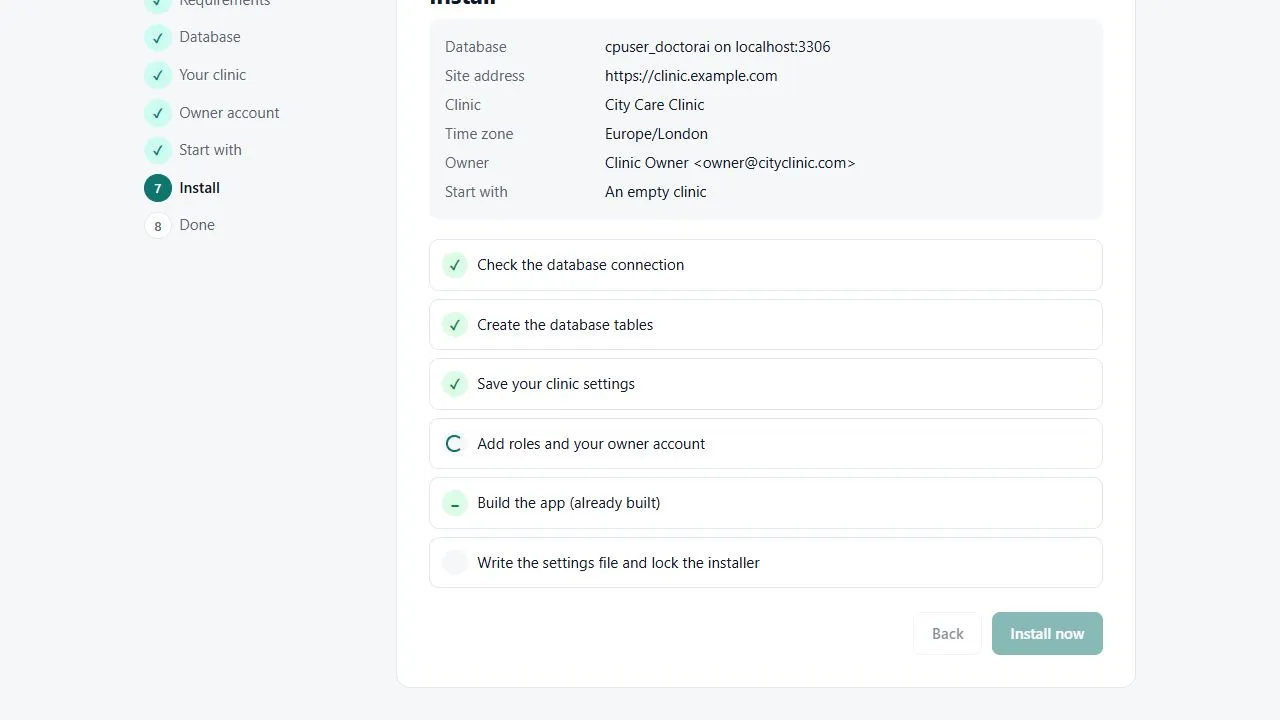
Upload, run npm install, open your site. The installer checks the server, tests the database, creates the tables and your owner account, and starts the app. The package includes the app already built, so the host does not need to build it.
Live demo
On the demo sign-in page each role is one click. Or type it in, with the password Sapa123@ for every role.
The demo resets every night. Demo accounts can try everything except changing passwords or settings, deleting, and uploading files.
Open the Live Demo| Role | |
|---|---|
| Super Admin | superadmin@tohaboss.test |
| Admin | admin@tohaboss.test |
| Doctor | doctor@tohaboss.test |
| Receptionist | receptionist@tohaboss.test |
FAQ
Node.js 22.12+ or 20.19+ (22 recommended) and a MySQL 8 or MariaDB 10.4+ database. A VPS, Docker, or cPanel hosting that offers "Setup Node.js App" all work. Hosting that runs only PHP cannot run it.
You use your own API key from Anthropic (Claude) or OpenAI and pay them for what the chat uses. In Settings you set a monthly token limit and per-visitor limits; when the limit is reached, new chats go to your team.
No. It suggests a specialty and a doctor, never a diagnosis. Emergency words get an emergency answer before the AI is called, and a visitor can ask for a human at any time.
Create an empty database, upload the files, run npm install (the cPanel button does it) and open your site: the web installer does the rest in a few steps. Docker and a manual install are documented too.
English, French and Arabic are included, with Arabic right-to-left. You can upload more interface languages from the admin panel.
Patient fields and secrets are encrypted and every action is logged, but compliance also depends on your hosting and how you use it, so the script makes no such claim on its own.
The full source code, the app already built, SQL files, Docker files, an installation guide and a user guide for every screen.
Open the demo, book a visit by chat, then sign in as staff and see it arrive.